Performance Trends, Inc.
Producing Quality Computer Tools for Racers and Engine Builders since 1986
Re: Performance Trends Newsletter (updates)
To: Visitors to Performance Trends Website
Subject: Product News/Updates, June 2026
Re: Performance Trends Newsletter (updates)
To: Visitors to Performance Trends Website
Subject: Product News/Updates, June 2026
 to
visit our www.performancetrends.com
home page
to
visit our www.performancetrends.com
home page
to
visit our  facebook page and "like" us.
for our full  You Tube channel
-------------------------------------------
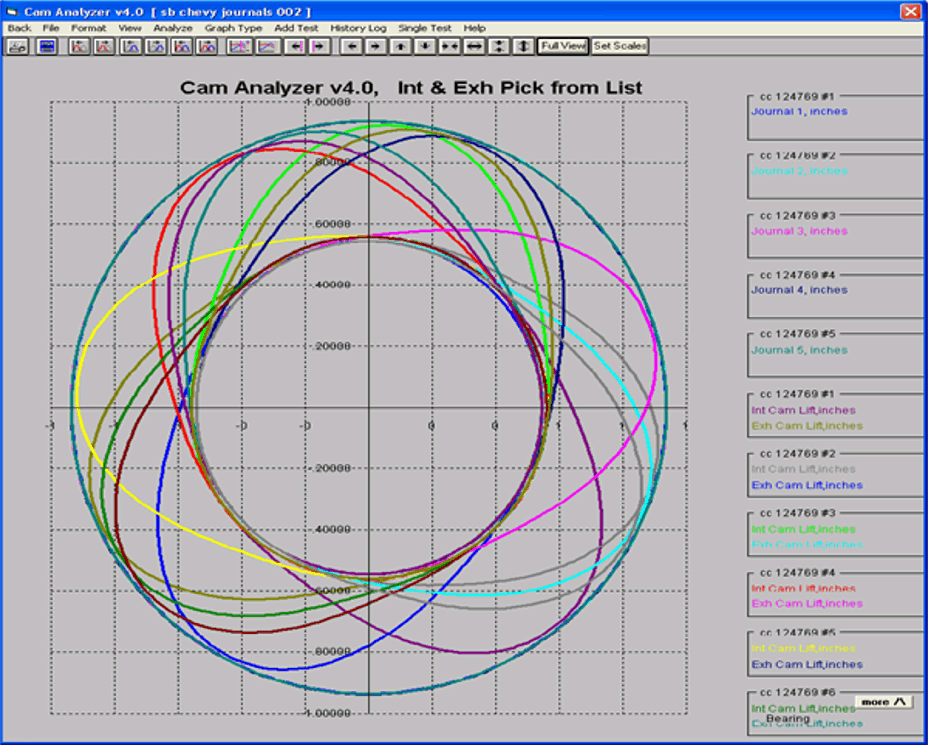
1) More Features Added, Cam Analyzer v4.3 B The Cam Analyzer software can be used "stand alone" to measure cams by hand, or analyze many different of cam files. It also works with our Cam Test Stand to do precision measurements of camshafts.
Standard "non-motorized" Stand w
V
Blocks
Motorized Cam Test Stand mounts cam "on centers"
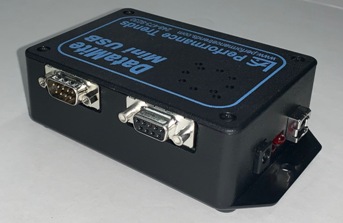
New USB Logger Nov, 2020
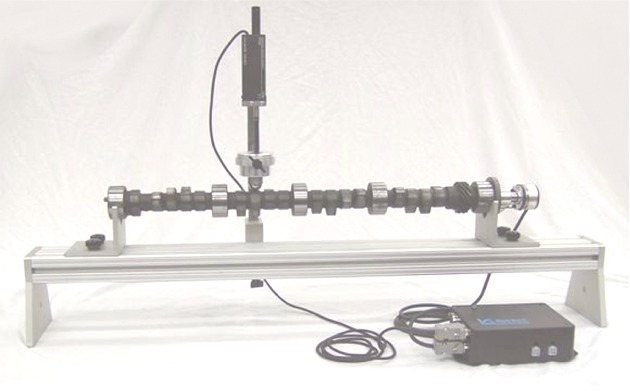
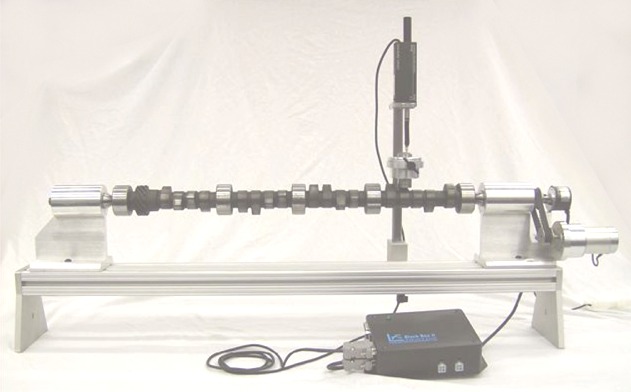
In October 2025 we release a major update to our Cam Analyzer, v4.3 B. Since then we've still been working on it and have even more features, many in the Cam Grinder version. Listed below are the new features in v4.3 B, and in bold are the features we've added since October 2025:
New Features for All Versions:
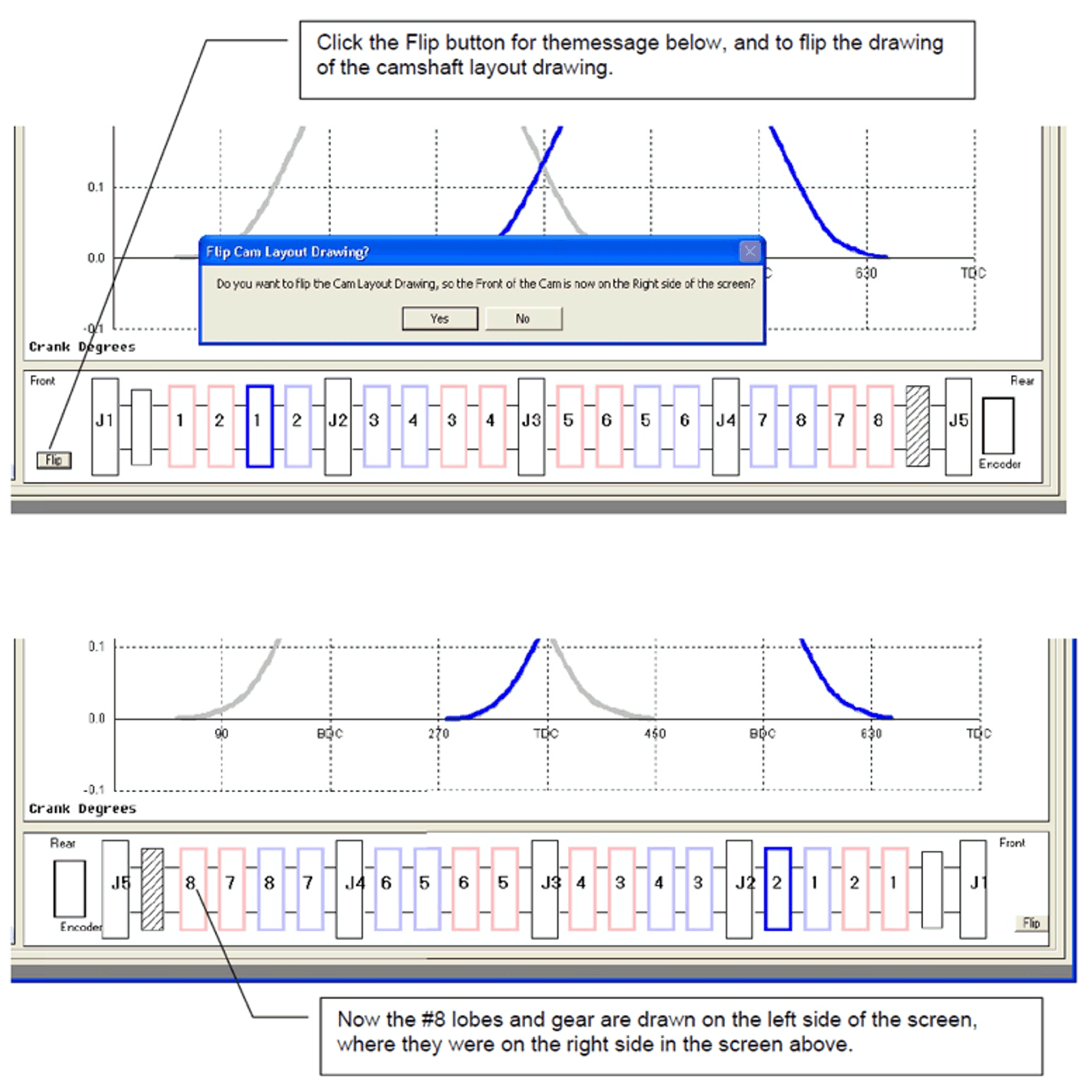 click image to enlarge to show new v4.3B feature to flip cam layout drawing
 for the page in user's manual PDF describing the new emailing features,
pages 251-256
for the page in user's manual PDF describing the new emailing features,
pages 251-256
New Features for the Plus Version Only:
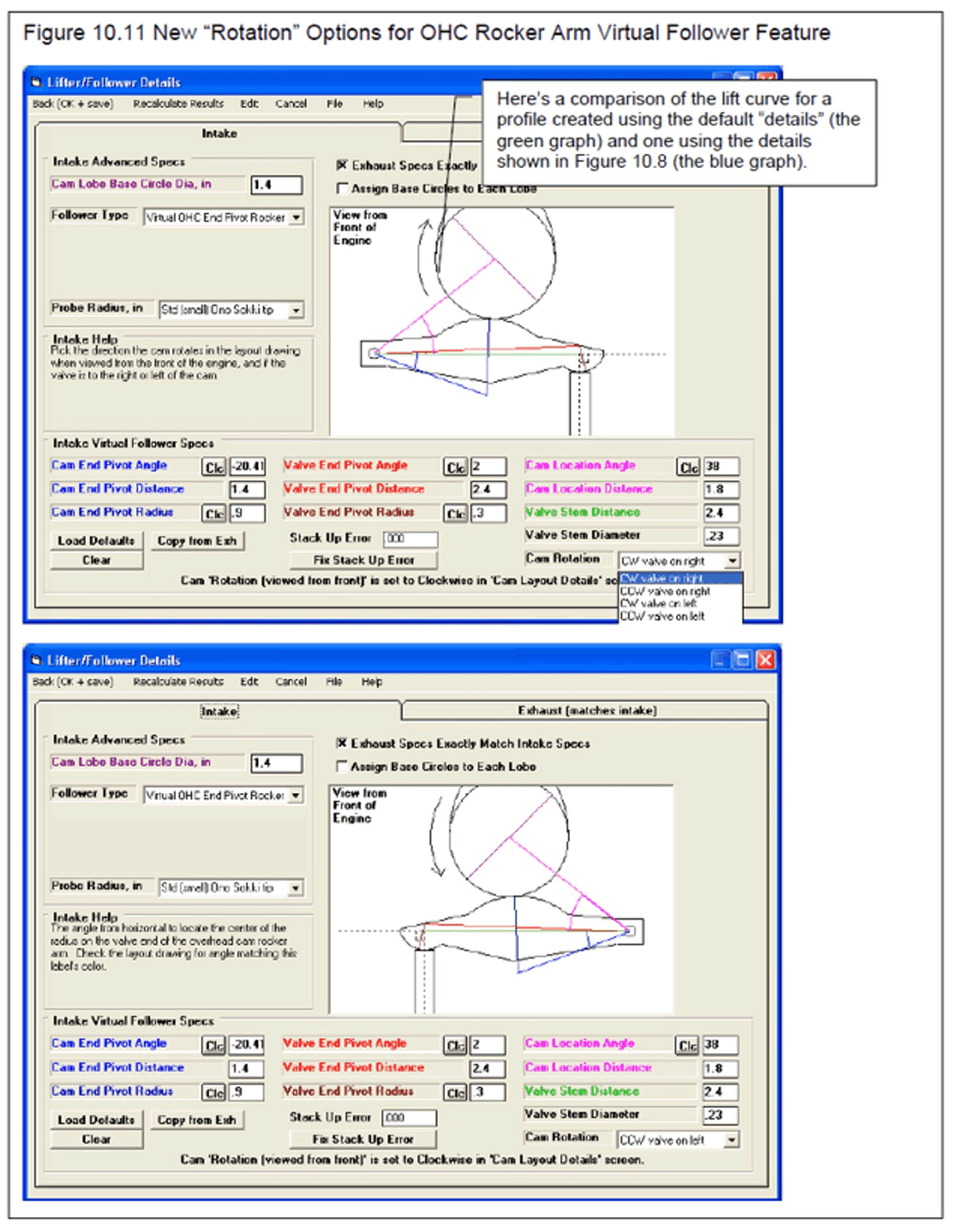 click image to enlarge to show new v4.3B feature to swap OHC Rocker Arm Layout
for Virtual Follower
click image to enlarge to show new v4.3B feature to swap OHC Rocker Arm Layout
for Virtual Follower
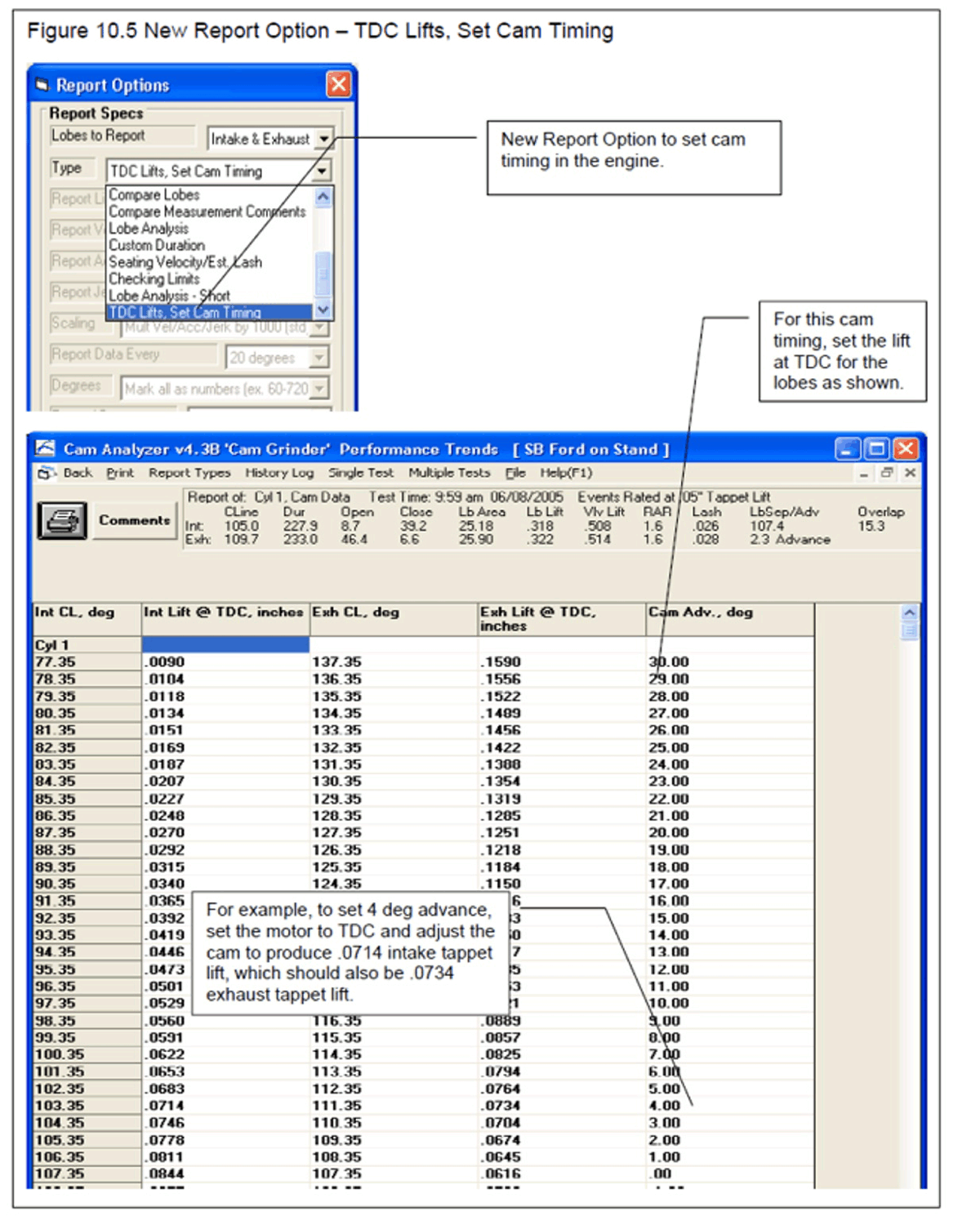 click image to enlarge to show new v4.3B report option to show TDC lift to set
cam timing in the engine
click image to enlarge to show new v4.3B report option to show TDC lift to set
cam timing in the engine
New Features for the "Cam Grinder" Version Only:
for that FAQ.
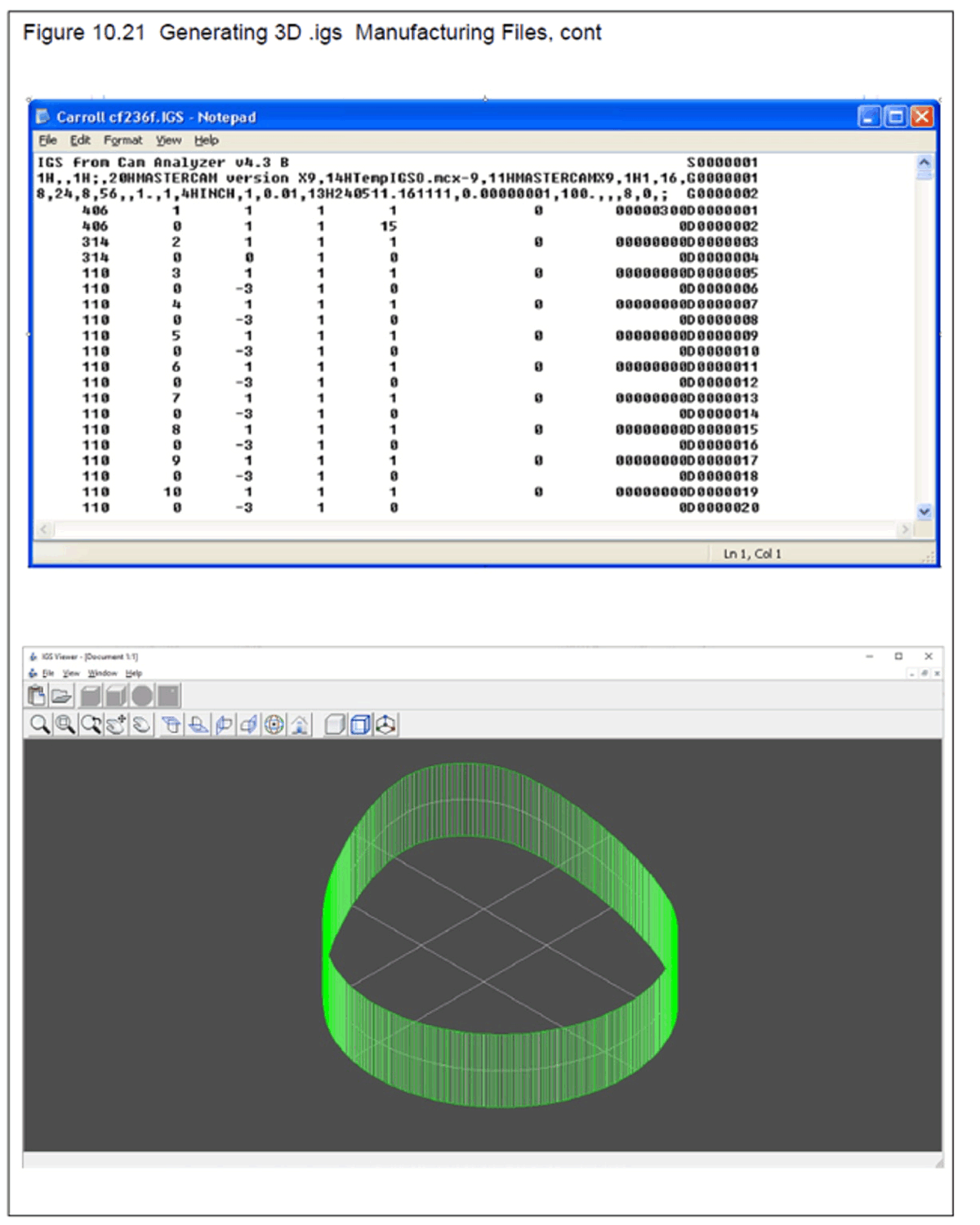 click image to enlarge to show new v4.3B feature to export .igs files
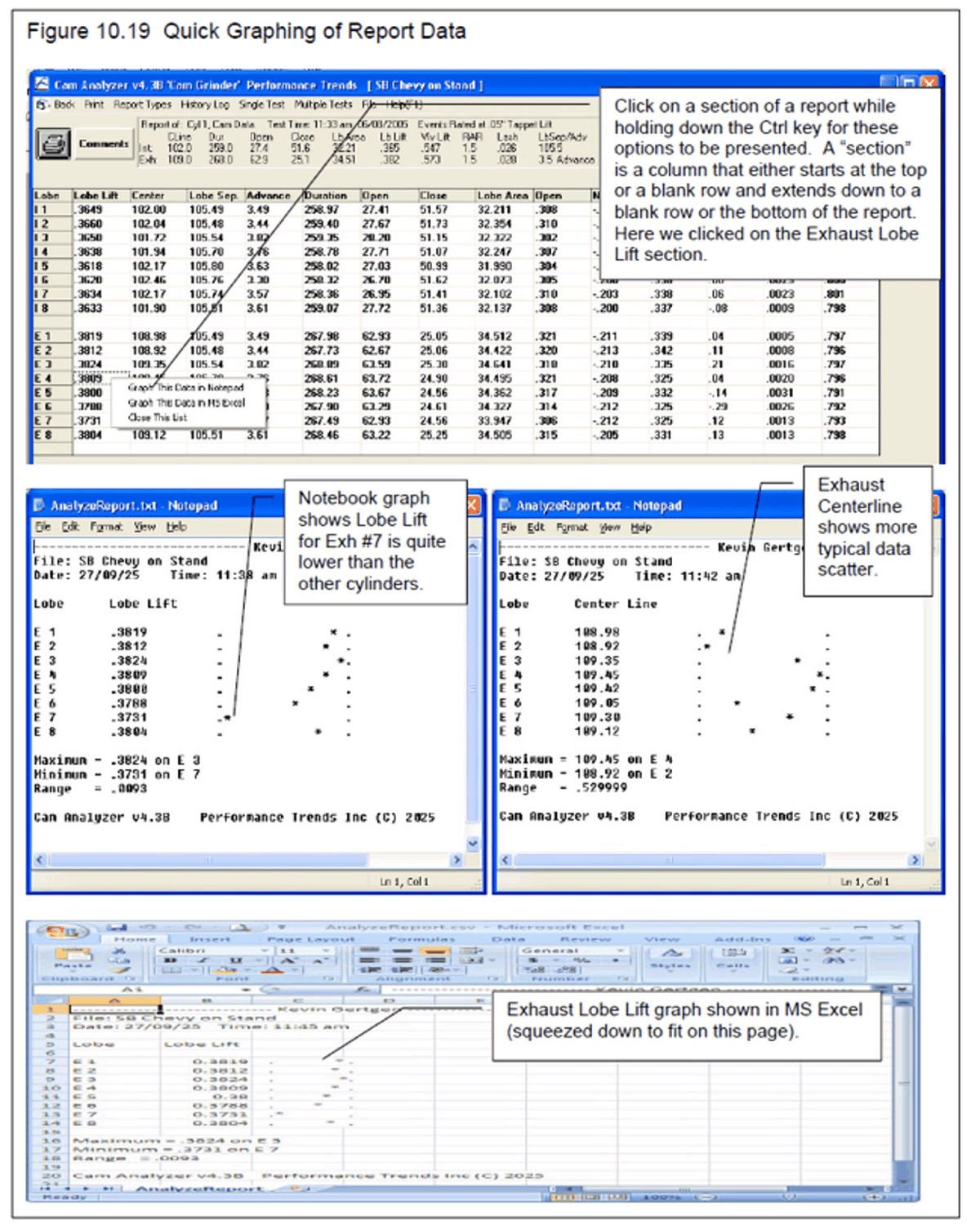 click image to enlarge to show new v4.3B feature to do quick graph of report
data
click image to enlarge to show new v4.3B feature to do quick graph of report
data
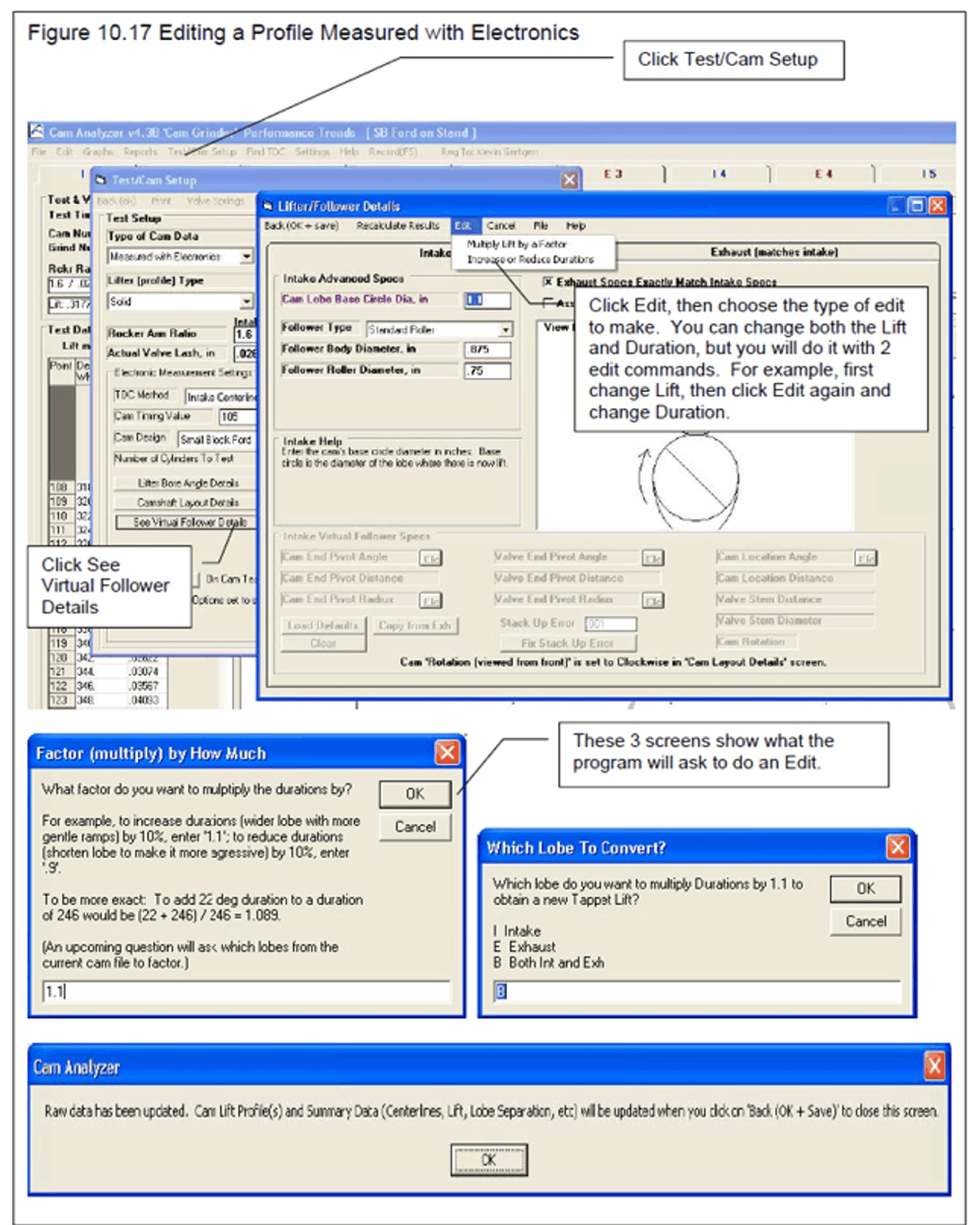
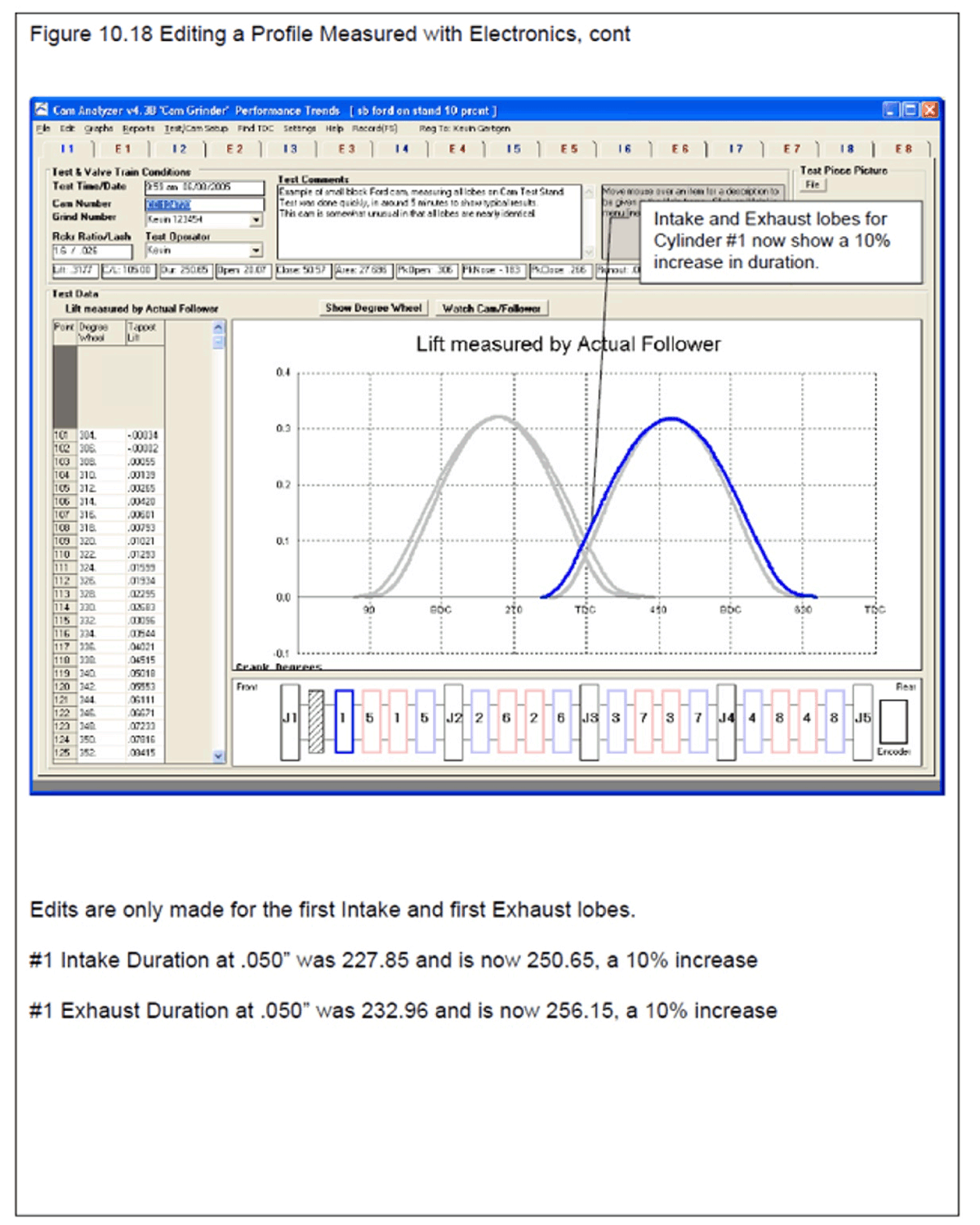 click images to enlarge to show new v4.3B feature to edit (stretch or shrink) a
measured lobe in just a few steps
click images to enlarge to show new v4.3B feature to edit (stretch or shrink) a
measured lobe in just a few steps
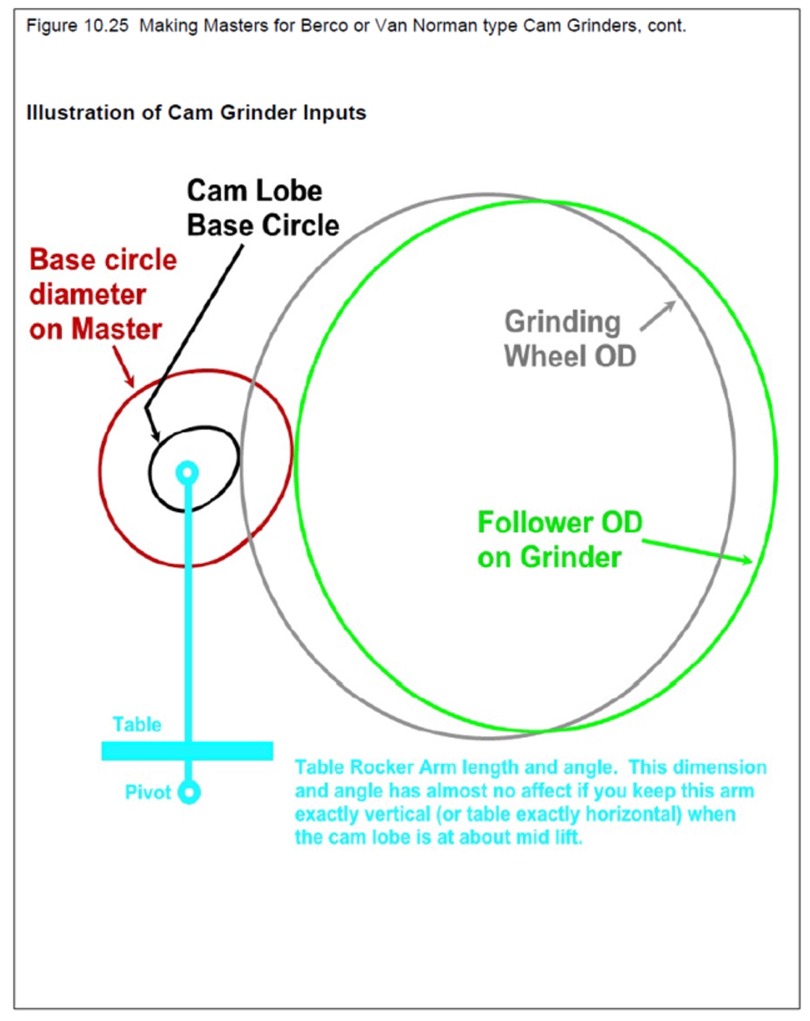 click image to enlarge
for this page in user's manual PDF pages 235-238.
click image to enlarge
for this page in user's manual PDF pages 235-238.
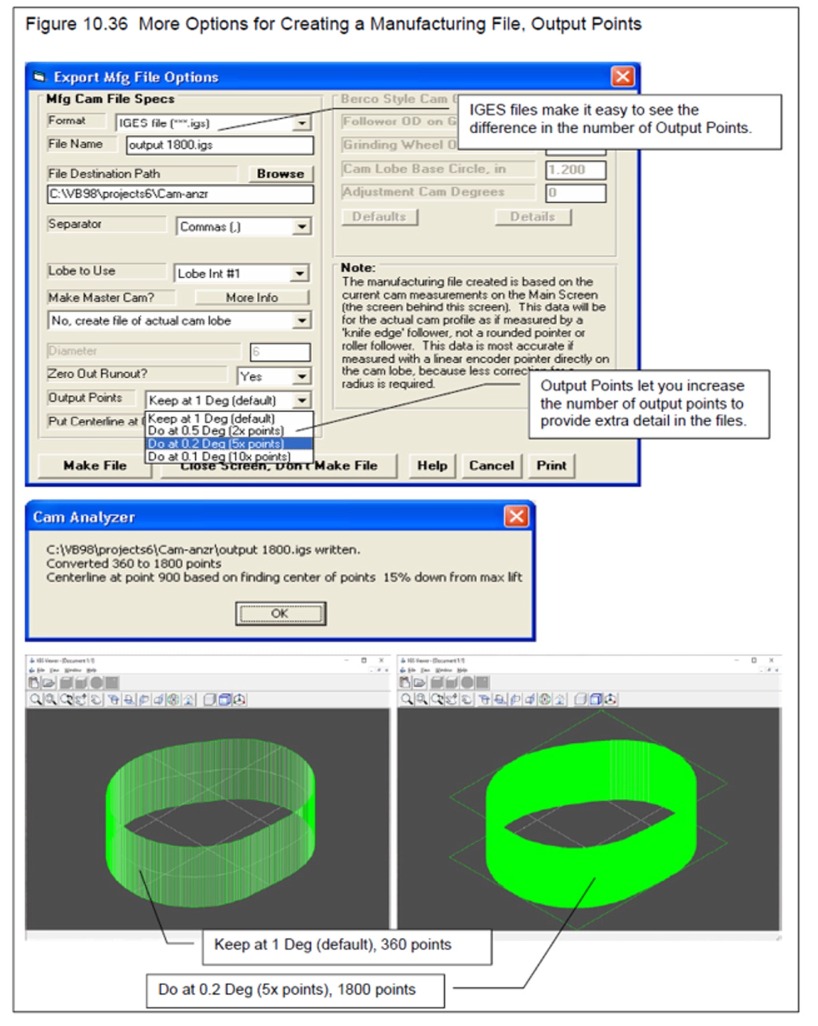 click image to enlarge
for this page in user's manual PDF page 249.
click image to enlarge
for this page in user's manual PDF page 249.
for a full PDF file describing all the new v4.3B features.
If you bought the Cam Analyzer v4.3 B or the v4.3 B update, this is a free update to get these new features. Simply install right over the top of your current program. When asked during the installation, select to do a Refresh installation, and NOT a Complete (typical) installation.
If you own the older Cam Analyzer v4.3 A now, the update costs are $150 for the std Cam Analyzer for our Cam Test Stand, $200 for the Cam Analyzer Plus, and $350 for the Cam Analyzer "Cam Grinder" version.
to email us on how update your old Cam Analyzer.
for full info on our Cam Analyzer software.
for full info on our Cam Analyzer test stand.
for full info on our Cam Analyzer youtube videos.
-------------------------------------------
2) Closed July 3 We're closed Friday, July 3rd for Independence Day. Everyone have a great time celebrating the good old USA's 250th birthday!

-------------------------------------------
3) Last May's Newsletter Here are the topics covered in our previous newsletter. If you would like another copy of May 2025's newsletter (or any previous newsletter) for detail on these topics, visit our website at: Performance Trends Newsletters
Performance Trends reserves the right to discontinue, update, or modify its product line and pricing at any time.